Screen
13.3 inch, fully laminated, anti-glare etched glass
Pen
PenTech 4.0, 16,384 levels, 2 g activation, tilt
Color
99% sRGB / Rec.709, 90% Adobe RGB, factory calibrated
Controls
2 dials, 5 press keys
Connection
USB-C (full-featured) or 3-in-1 cable
Weight / thickness
865 g, 11.7 mm
Pros
- Pro-grade pen (16K levels, 2 g activation, tilt) at $210
- Factory-calibrated screen with a certificate in the box
- Two dials and five keys on a 13 inch body
- Thin and light enough to travel with a laptop
Cons
- 13.3 inches at 1080p is tight for painting
- Requires a computer, not standalone
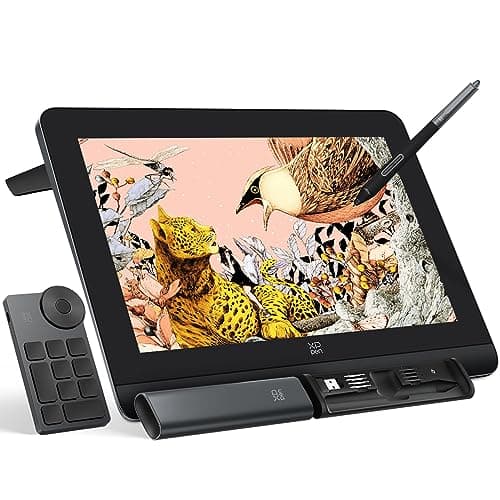
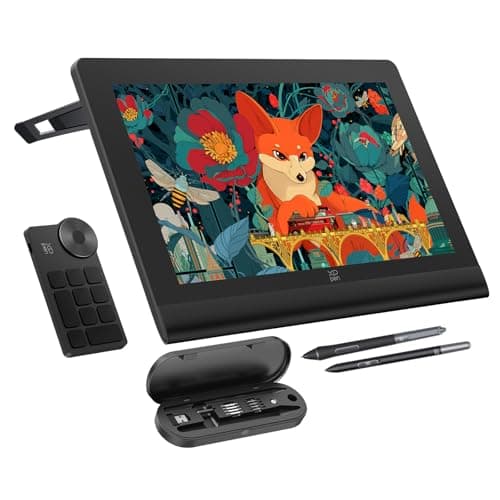
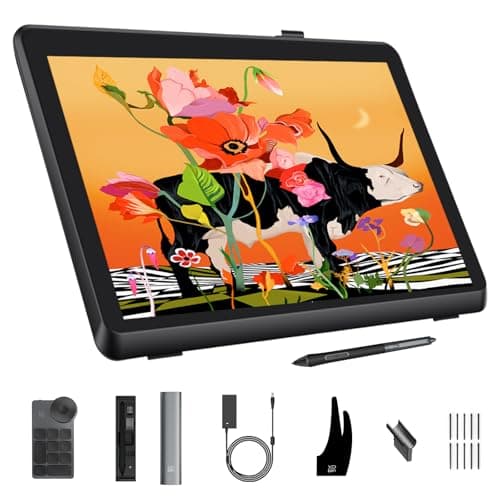
Not long ago a laminated, calibrated pen display cost several times this much. The Kamvas 13 Gen 3 sold for about $210 when we checked, and it is the reason this page exists. Huion's listing states the specs that matter: a fully laminated 13.3 inch screen behind anti-glare etched glass (Huion calls it Canvas Glass 2.0), a PenTech 4.0 pen with 16,384 pressure levels, 2 gram initial activation force, tilt with auto-alignment, and three side buttons, and a panel covering 99 percent sRGB and 90 percent Adobe RGB, factory calibrated to a Delta E under 1.5 with a certificate.
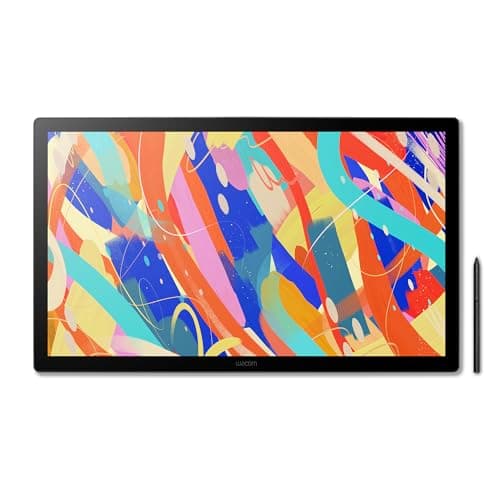
Cross-shopping the two 16 inch QHD displays? See Wacom Cintiq vs XP-Pen Artist Pro.
Two dials and five keys on a 13 inch body is generous, and the 11.7 mm, 865 gram frame travels in a laptop sleeve. The compromise is the canvas: 13.3 inches at 1080p is plenty for line work and comics and tight once you open palettes and layers. If you paint, step to the 16 inch XPPen or Wacom below. If you are choosing your first display, buy this one and spend the savings on software.
Our Pick
The pen display that made the category affordable without making it worse. A 13.3 inch fully laminated screen with anti-glare etched glass, a PenTech 4.0 pen with 16,384 pressure levels and 2 gram activation, 99 percent sRGB and 90 percent Adobe RGB coverage, factory calibration with a certificate, two dials, five keys, and USB-C, for $210.
Buy this if you are moving from a screenless tablet or an iPad to your first real pen display, or if you want a portable second screen to draw on beside a laptop. Illustrators, comic artists, and students get a pro-grade pen and a calibrated screen at the price of a mid-range screenless tablet.
What we don't like
It is 13.3 inches at 1080p, which is roomy for sketching and cramped for a full painting with palettes open. It needs a computer; the listing is explicit that it is not standalone, and older laptops without USB-C DisplayPort need the three-in-one cable.